Guides
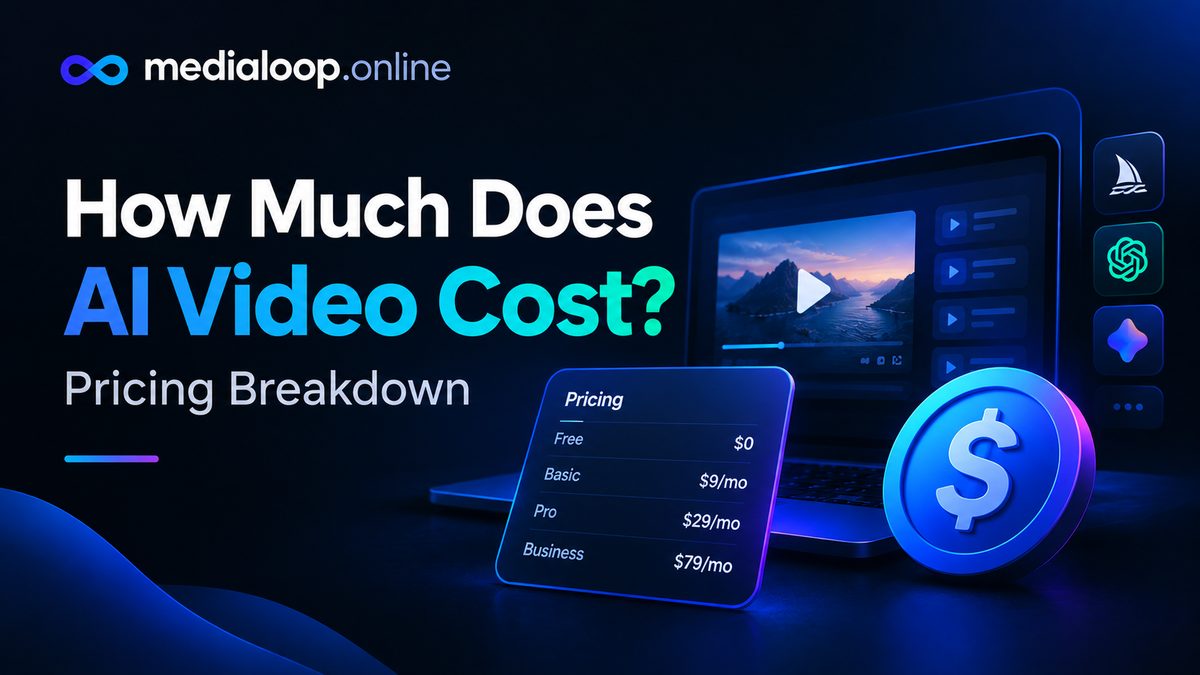
How Much Does AI Video Cost? Pricing Breakdown
How much does AI video cost in 2026? Honest pricing breakdown: subscriptions, per-video costs, free tiers, and what creators actually spend per month.
On October 9, 2026, HiDream.ai announced vivago R1 globally — and it's not another text-to-video clip generator. It's an AI video creation agent: you describe the video you want in plain language, and it carries the project through scriptwriting, storyboarding, character and environment work, generation, audio, and final assembly as one coordinated workflow. Up to five minutes of finished video per production run.
This matters because it attacks the exact problem every AI-video creator has: the clips look great, but making a finished video still means juggling prompts, clips, consistency fixes, and an editing timeline at midnight. R1's pitch is that the AI does the production, not just the pixels.
A few honesty notes before we go on: this is a first look based on the announcement and product documentation, not a hands-on test — the product is days old. Pricing for the R1 studio tier wasn't disclosed in the announcement, so where I quote numbers they're the underlying model's API list price, clearly labeled. And nothing here is sponsored — no tool paid for placement.
Think of it as a production team in software form. Instead of generating one clip per prompt, you hand R1 a brief — an idea, plus any reference materials — and it develops and produces the video through conversation. You can refine the result in natural language and extend the project through additional rounds of creation.
Under the hood, it runs on a multi-agent setup:
The practical payoff of that design: characters, settings, and other creative elements are supposed to stay consistent as the project develops — which is precisely the thing that breaks when you stitch twenty individually generated clips together.
For developers, HiDream is also exposing vivago's video capabilities through a command-line interface (CLI), so video production can be wired into existing workflows and compatible AI agents — not just the studio interface.
| Step | Typical clip-generator workflow | vivago R1 agent workflow |
|---|---|---|
| Starting point | A prompt per clip | One conversational brief |
| Structure | You write the script elsewhere | Agent drafts script and storyboard |
| Consistency | Manual fixes across clips | Character/setting continuity built in |
| Audio | Generated or added separately | Audio produced as part of the workflow |
| Assembly | Your editor, your timeline | Assembled in the workflow |
| Output unit | Individual clips (5–20s) | Finished video, up to 5 min per run |
If you've used tools like Runway, Kling, or Veo for clip generation, the difference is real but bounded: R1 moves the boundary between "AI output" and "finished video." It does not eliminate judgment — a vague brief still produces a vague video, just faster and more polished.
Straight answer: the vivago R1 studio pricing was not disclosed in the announcement. Don't trust any article that states it as fact right now.
What is documented is the API list price for the underlying video model, HiDream-O1-Video-1.0 (1080p video with natively synchronized audio), listed at $5.80 per minute of generated video through API access (via HiHarness) — roughly $0.10 per second, or about $0.48 for a 5-second clip. That's the raw-model API rate, not the R1 studio price; agent workflows that iterate (scripting, storyboarding, revisions) may price differently than raw clip generation.
If you're budgeting: treat any agent-based tool like this as "per finished minute" economics, not "per clip" economics, and verify current pricing on HiDream's official site before committing — this space reprices constantly.
Good fit for: - Creators and marketers who need finished videos from a brief — explainers, ads, faceless content — and currently burn hours on assembly. - Small teams without an editor, where the bottleneck is post-production rather than ideation. - Developers and automation-minded creators who can use the CLI to build video into products or pipelines.
Probably skip (for now) if: - You need frame-level control over individual shots — traditional clip generators give you more direct control per clip. - Your workflow is avatar-led training or presenter videos — dedicated avatar platforms are more mature for that job. - You can't verify output quality yourself — with any brand-new tool, run a small test project before committing a client deadline to it.
vivago R1 is the clearest signal yet of where AI video is going: away from clip generators and toward production agents that own the whole pipeline. If it delivers on consistency and assembly, it's a genuine workflow upgrade for anyone making finished videos. But "announced" is not "proven" — watch for independent tests and real pricing before you reorganize your stack around it.
We'll update this guide as hands-on results and pricing come in.
vivago R1 is an AI video creation agent from HiDream.ai, announced October 9, 2026. It takes a conversational brief and carries it through scriptwriting, storyboarding, character and environment work, video generation, audio, and assembly — producing up to five minutes of finished video per production run, rather than individual clips.
The studio pricing for vivago R1 itself was not disclosed in the launch announcement. The underlying model (HiDream-O1-Video-1.0) is listed at $5.80 per minute of 1080p video via API access — but that's the raw-model API rate, not necessarily the R1 studio price. Check HiDream's official site for current pricing before budgeting.
Those tools primarily generate individual clips you assemble yourself. vivago R1 is an agent that owns the whole production: script, storyboard, consistency across scenes, audio, and assembly, from one brief. The tradeoff is less per-clip control and an unverified track record.
Conceptually, yes — describing a video in plain language is easier than engineering clip prompts. But beginners should still start with a small test project: new tools have rough edges, and verifying quality on a low-stakes video beats discovering them on a deadline.
How much does AI video cost in 2026? Honest pricing breakdown: subscriptions, per-video costs, free tiers, and what creators actually spend per month.
How to add AI voiceover to videos in 2026: a practical workflow plus 5 AI voiceover tools compared on voice quality, languages, pricing, and best use cases.
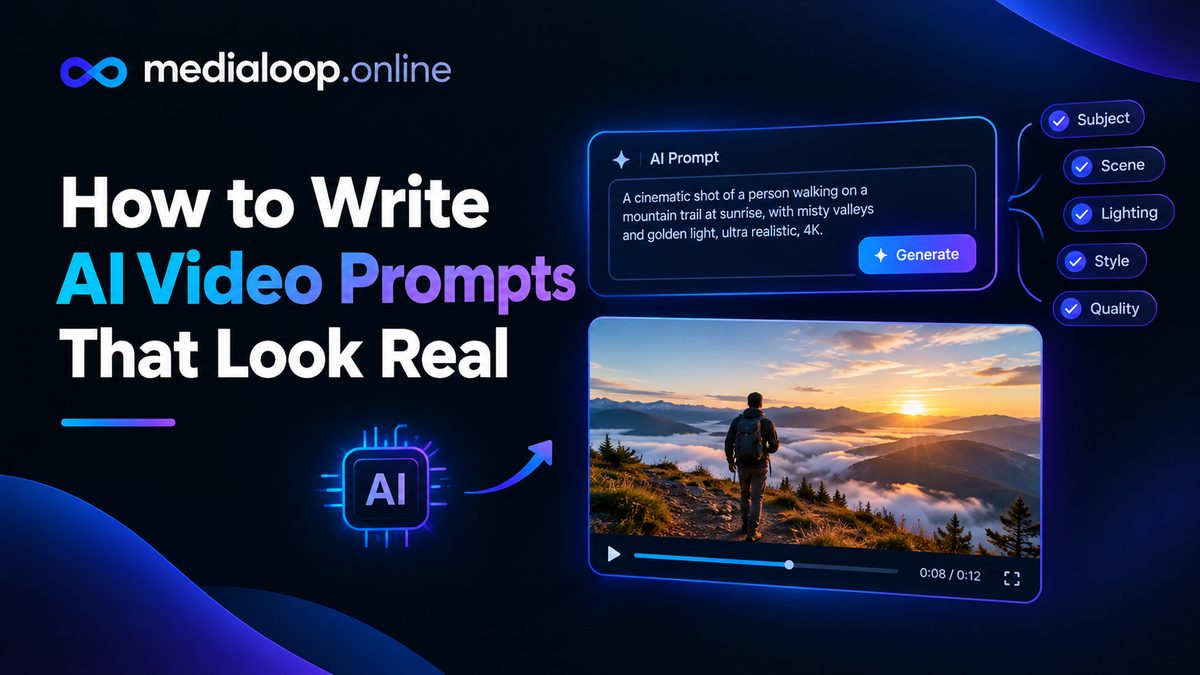
Learn how to write AI video prompts that look real: subject, motion, camera, lighting, and negative prompts. Practical prompting craft with examples for 2026.