Guides
How to Add AI Voiceover to Videos — 5 Tools Compared
How to add AI voiceover to videos in 2026: a practical workflow plus 5 AI voiceover tools compared on voice quality, languages, pricing, and best use cases.

"How much does AI video cost?" sounds like a simple question. It isn't — because AI video pricing comes in three different currencies (subscriptions, credits, and minutes), every vendor prices differently, and the numbers change constantly.
This guide gives you an honest framework for thinking about AI video costs: what the pricing models actually mean, what typical spending looks like at different volumes, where the free options end, and how to calculate your cost before you commit. I deliberately avoid quoting specific prices as facts — in this market, any number I print could be wrong by the time you read it. Instead: structures, ranges, and the math to do yourself. Check official sites for current pricing — it changes often.
Every AI video tool charges you in one (or a mix) of these ways:
A flat monthly fee for access plus an allowance — e.g., X videos, Y minutes, or Z credits per month. This is the most common model for avatar tools (HeyGen, Synthesia), assemblers (Pictory, InVideo), and editors (VEED, Descript).
How to think about it: divide the monthly price by the videos you'll actually make. A $30/month plan is cheap if you make 30 videos ($1 each) and expensive if you make 2 ($15 each). Your volume decides the value, not the sticker price.
Common for raw generators (Runway, Kling-style tools). You buy or subscribe to credits; each generation consumes credits based on length, resolution, and model quality.
How to think about it: credits punish iteration. If only 1 in 3 generations is a keeper (normal for beginners), your real cost per usable clip is 3x the per-generation cost. Skilled prompting directly saves money here — see our guide on [writing prompts that look real]](/ai-video-prompts-that-look-real/).
Common for avatar and voiceover tools: you're charged by the minute of finished video or audio. Regenerations, multiple languages, and longer videos all consume minutes.
How to think about it: script discipline is money. Every unnecessary 30 seconds in your script is minutes burned across every language version. Write tight scripts before generating — re-generating because of a typo is the classic beginner tax.
These are illustrative ranges based on how the market is generally structured — not quotes. Your mileage will vary, and you should verify current pricing on official sites.
One subscription, free tiers for everything else. Typical setup: a free editor with built-in voices, trial credits for occasional AI b-roll, maybe one entry-level subscription.
Illustrative range: $0–30/month. Many creators at this volume spend nothing — free tiers genuinely cover light use, with watermarks or limits as the tradeoff.
This is the faceless-channel / daily-social zone. Typical setup: one assembler subscription (Pictory/InVideo-style) for volume, plus a voiceover or editing subscription, plus credit top-ups for AI b-roll.
Illustrative range: $40–120/month. The big variable is AI b-roll volume — heavy generation habits can push this higher fast.
Multiple subscriptions, serious credit consumption, possibly team seats. Typical setup: a generator subscription with large credit allowances, an avatar platform subscription, an editor, and voiceover.
Illustrative range: $150–500+/month. At this level, negotiate — annual billing usually discounts 15–25%, and some vendors offer custom plans for volume.
Indicative entry-level starting prices as of late 2026 — a snapshot for budgeting, not quotes:
| Tool | Starting price /mo | Annual option | Key limits | Best for |
|---|---|---|---|---|
| Runway | $15 | $12/mo | 625 credits/mo; free tier is 125 one-time credits, watermarked | Creative control + AI editing |
| Pictory | $29 | $25/mo | 200 video min/mo; free trial only, no free plan | Script-to-video at volume |
| InVideo | ~$20 | Check official site — tiers changed repeatedly in 2026 | Credit-based AI minutes; free plan watermarked | Fast social content |
| Synthesia | $29 | $18/mo | ~120 min/year on Starter; free Basic ~10 min/mo, watermarked | Corporate training avatars |
| HeyGen | $29 | $24/mo | ~600 credits/mo on Creator; premium features metered | Marketing avatars, UGC ads |
| VEED | ~$12 | Check official site — plan names changed in 2026 | AI features credit-metered; free plan watermarked | Browser editing + captions |
| Descript | $15 | $12/mo | 10 hrs transcription/mo; free 1 hr/mo | Voice-driven editing |
Prices change often — check the official site for current pricing.
Nearly every tool offers something free — but "free" comes in flavors:
| Free model | What you get | The catch |
|---|---|---|
| Free tier | Ongoing limited use (X videos/month) | Watermarks, low resolution, or tight caps |
| Free trial | Full features for 7–30 days | Expires; sometimes requires a card |
| Freemium editor | Usable free editor, paid AI features | AI generation/voices cost extra |
| Open models | Free generation software | You supply the computing power (technical) |
Honest assessment: free tiers are for learning and validating, not for professional publishing at volume. Watermarks and resolution caps make most free outputs unsuitable for client work or serious channels. Budget at least one paid subscription once you're publishing regularly.
Do this before buying anything:
If the per-video cost exceeds what the video earns or is worth to you, either increase volume (spreading the subscription thinner) or drop to free tiers until volume justifies the spend.
Stay free while you're learning and experimenting. Upgrade when you hit a specific, named limitation — not before:
Upgrade one tool at a time, starting with whichever bottleneck costs you the most time or quality. And re-audit every quarter — tools you've outgrown should be cancelled, not kept "just in case."
Free tiers of browser editors (with built-in voices and stock) plus trial credits for generation. $0 gets you surprisingly far for learning — expect to spend once you publish regularly.
Different jobs. AI tools replace production (filming, generating, voicing); a human editor adds judgment (story, pacing, taste). Many creators use AI for volume and hire editors for flagship content. Compare per-video costs honestly.
Longer clips, higher resolution, and newer/more powerful models consume more compute, so they cost more credits. A 10-second 1080p clip from a flagship model can cost several times a 5-second draft-quality one.
In many jurisdictions, yes, if the content is for your business — but tax rules vary by country and situation. Ask an accountant, not a blog.
Both. Per-unit generation costs have generally trended down as models get more efficient, while vendors add premium tiers for newer capabilities. The safe assumption: today's price is not tomorrow's price. Check official sites.
Paying for annual plans before validating the workflow, and burning credits learning to prompt on paid tiers. Start monthly, learn free, scale spend with proven output.
Pika (80 credits/month), Descript (1 free hour/month), and Synthesia's free Basic plan (~10 watermarked minutes/month) are the most usable free AI video generation tools in 2026. VEED, InVideo, and HeyGen also offer free plans with watermarks or tight limits. They're excellent for learning — but watermarks and credit caps mean serious creators upgrade once they publish regularly.
Links below may earn us a commission at no extra cost to you.
How to add AI voiceover to videos in 2026: a practical workflow plus 5 AI voiceover tools compared on voice quality, languages, pricing, and best use cases.
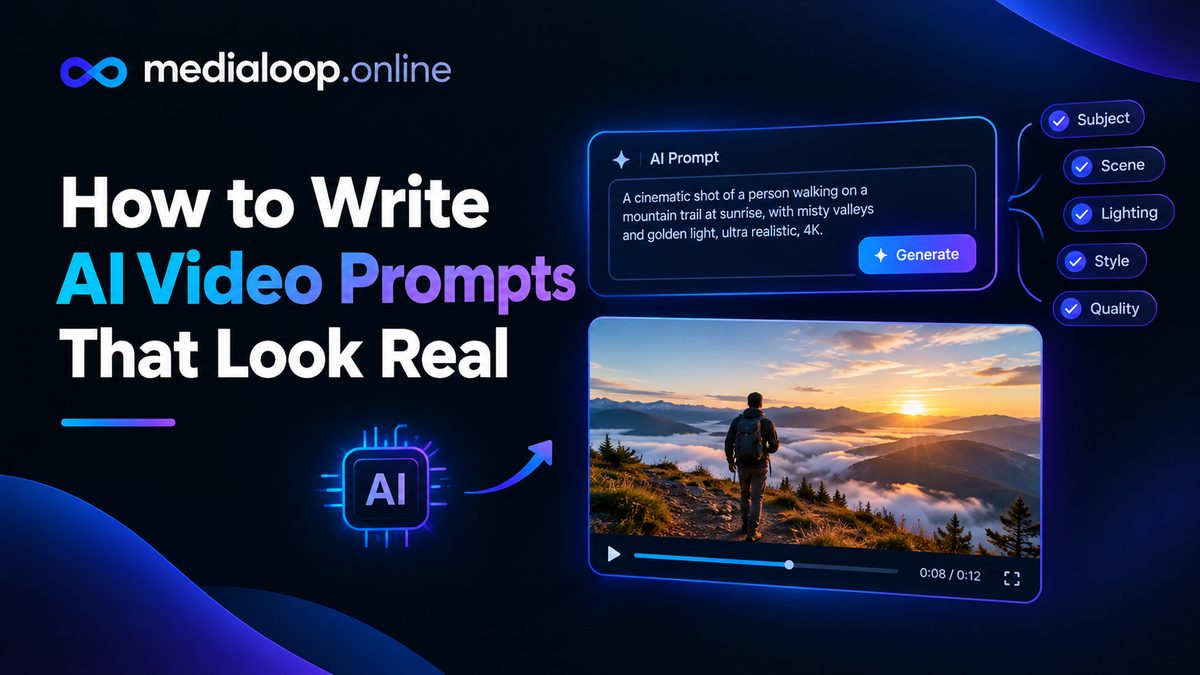
Learn how to write AI video prompts that look real: subject, motion, camera, lighting, and negative prompts. Practical prompting craft with examples for 2026.

Learn how to make AI UGC video ads step by step in 2026: scripting, AI avatars, voiceovers, editing, and where to run them. A practical beginner's guide.