
Guides
How Much Does AI Video Cost? Pricing Breakdown
How much does AI video cost in 2026? Honest pricing breakdown: subscriptions, per-video costs, free tiers, and what creators actually spend per month.
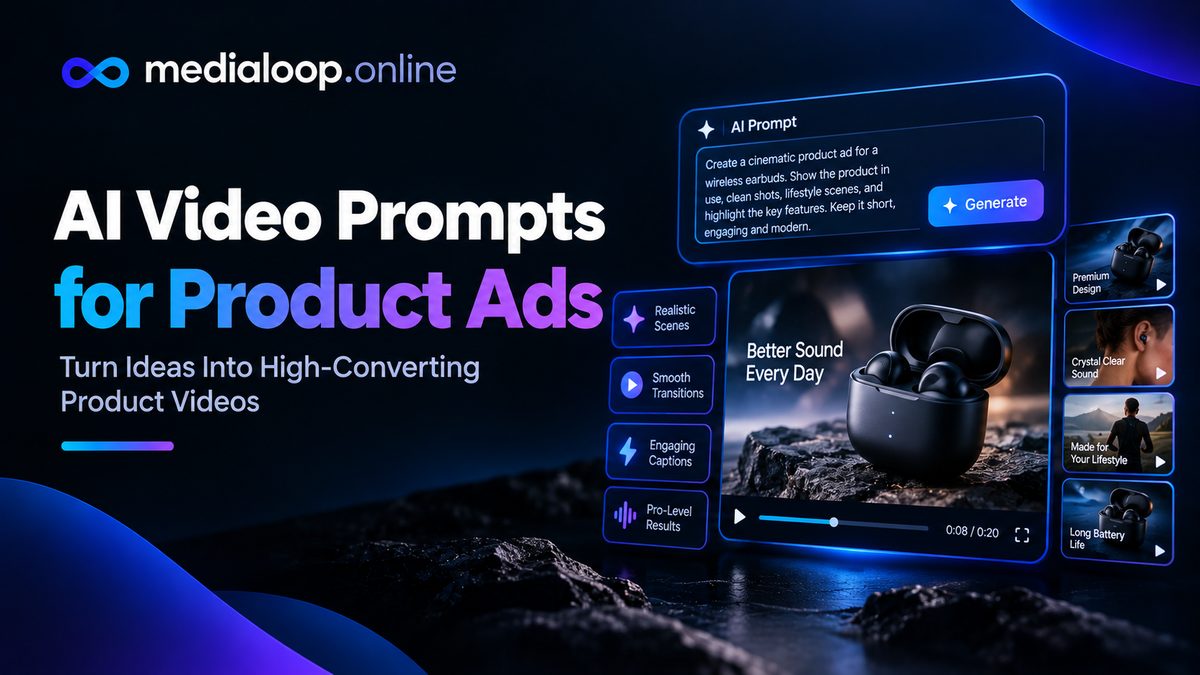
Good ad creative starts with good footage, and good AI footage starts with good prompts. This is a pack of ten production-ready prompts for the shots product ads actually need: hero shots, UGC-style clips, demos, unboxings, and lifestyle b-roll.
Each prompt is written to be copied as-is and adapted — swap the bracketed parts for your product. They follow the prompting principles from our guide on [writing AI video prompts that look real]](/ai-video-prompts-that-look-real/): one subject, one motion, camera language, lighting, and a photographic anchor. They work across the major text-to-video tools (Veo, Kling, Runway and similar); expect to do 2–4 generations per prompt to land the keeper.
A quick note on the brackets: anything in [BRACKETS] is yours to replace. Everything else, keep — it's load-bearing.
deformed hands, morphing faces, warping background, flickering, watermark, text, cartoon look.The premium establishing shot — product looking its absolute best. Use it as your ad's opening or thumbnail frame.
Extreme close-up of [PRODUCT: e.g., a frosted glass serum bottle with
minimalist label] centered on [SURFACE: e.g., wet dark slate], soft
studio lighting with gentle rim light outlining the product edges,
a single slow droplet sliding down the glass, shallow depth of field,
dark elegant background fading to black, photorealistic product
photography, static camera.
Adapt it: change the surface and lighting to match your brand — bright marble and window light for clean beauty brands, dark slate and rim light for premium tech.
Casual, phone-footage energy — the backbone of UGC-style ads. Designed to cut against an AI avatar or voiceover.
Handheld-style medium shot, vertical 9:16 framing, of [PERSON: e.g., a
woman in her late 20s with tied-back hair, wearing a plain t-shirt]
holding [PRODUCT] up toward camera and smiling naturally, bright natural
window light, slight authentic camera shake, lived-in bedroom background
softly blurred, looks like genuine phone footage, photorealistic,
natural skin texture.
Adapt it: match the person to your buyer persona — age, setting, and styling should mirror your actual customers.
Show the pain before the product. This shot makes the first three seconds of your ad land.
Close-up of [PERSON]'s frustrated expression looking at [PROBLEM
EVIDENCE: e.g., a stained shirt / a tangled mess of cables / a cracked
phone screen], harsh overhead lighting emphasizing the annoyance,
slight slow push-in, muted desaturated colors, documentary realism,
photorealistic.
Adapt it: desaturated, slightly harsh visuals for the "before" make your product's "after" shots feel brighter by contrast — classic before/after grammar.
The product doing its job. The most persuasive shot in any ad — show, don't tell.
Over-the-shoulder medium shot of hands [ACTION: e.g., spreading the
cream / assembling the device / pouring from the bottle], bright clean
lighting, crisp focus on the hands and product, simple uncluttered
background, smooth natural hand motion, macro detail visible,
photorealistic, static camera with very slow push-in.
Adapt it: keep hands simple and unhurried — complex hand choreography is where AI artifacts appear most. One clear action per clip.
Unboxings trigger curiosity reliably. This prompt captures the reveal beat.
Top-down shot of hands opening [PACKAGING: e.g., a kraft mailer box
with minimal branding] on a light wooden table, tissue paper being
pulled back to reveal [PRODUCT] nestled inside, soft daylight from the
left, shallow depth of field, gentle unhurried hand movements,
satisfying reveal pacing, photorealistic, static overhead camera.
Adapt it: packaging is part of the product experience — describe yours accurately (colors, materials, branding style).
Aspirational context — your product living its best life. Use for ad middles and social cutaways.
Wide golden-hour shot of [SETTING: e.g., a sunlit kitchen counter] with
[PRODUCT] placed naturally among [PROPS: e.g., fresh fruit, a linen
cloth, morning coffee], warm sunlight raking across the scene, long
soft shadows, dust motes drifting in the light beam, slow cinematic
push-in, photorealistic, natural colors.
Adapt it: props tell the story of who this product is for — choose them like casting: every object implies a lifestyle.
Two shots, one prompt structure — generate both and cut them together.
Split-screen style sequence, first: [BEFORE STATE: e.g., dull tired
skin in flat bathroom lighting, muted colors]. Then: [AFTER STATE:
e.g., radiant glowing skin in soft window light, warm vibrant tones].
Same [PERSON], same framing, medium close-up, photorealistic,
natural skin texture, no beauty filter look.
Adapt it: keep framing identical between the two generations (same shot description, only lighting/state changed) so the cut reads as a real transformation. Note: keep before/after claims honest and compliant with ad platform policies.
Luxury lives in close-ups. Texture, materials, craftsmanship — the shots that justify premium pricing.
Macro shot gliding slowly across [DETAIL: e.g., the brushed metal
finish / the fabric weave / the embossed logo] of [PRODUCT],
dramatic side lighting revealing texture, extremely shallow depth of
field, background fully blurred into creamy bokeh, slow lateral camera
drift, photorealistic, premium commercial photography feel.
Adapt it: pick the single most premium-feeling detail of your product — the thing people touch first when they pick it up.
Energy and popularity in one shot — hands grabbing, crowd reacting, shelf emptying.
Energetic medium shot of [SCENE: e.g., hands reaching for products on
a store shelf / friends laughing while trying the product at a picnic],
bright vibrant daylight, authentic candid energy, slight motion blur
on the fastest movement, shallow depth of field, documentary style,
photorealistic, vertical 9:16 framing.
Adapt it: keep the action simple and readable — "hands reaching" works; "crowd dancing in formation" won't. Simple motion renders cleanly.
End-card energy — product plus the visual cue to act now.
Clean studio shot of [PRODUCT] centered on [BACKGROUND: solid brand
color or soft gradient], slow 360-degree-style rotation feel via
gentle camera orbit, crisp even lighting, subtle reflection beneath
the product, minimal premium composition with copy space on the left
third for text overlay, photorealistic, static-to-slow camera.
Adapt it: leave the copy space — your "Shop Now" text and offer go there in editing. A closer without room for the CTA wastes the shot.
Generated clips are raw material, not finished ads. Before they go in your edit:
The principles work everywhere; exact results vary by model. Prompts tuned for one generator sometimes need light simplification for another — usually trimming the motion description.
Plan on 2–4 per prompt for straightforward shots, more for complex ones. Budget generations like film — professionals shoot many takes too.
Generally yes under the generator's terms of service, which you should read. Also follow ad-platform rules on synthetic media — disclosure requirements are tightening.
For standard product b-roll, most advertisers don't, and platforms don't universally require it — but policies are evolving. Never use AI footage to fabricate things like fake reviews, fake news events, or real people.
Three usual causes: vague prompts (fix with the specificity in this pack), too much motion requested (simplify), and judging the first generation (iterate 2–4 times). Also — people only post their best outputs.
Yes, whenever possible. One real product clip anchors the believability of the whole ad. AI is best for the shots you can't film: impossible angles, perfect lighting, aspirational scenes.
Links below may earn us a commission at no extra cost to you.
How much does AI video cost in 2026? Honest pricing breakdown: subscriptions, per-video costs, free tiers, and what creators actually spend per month.
Pictory vs InVideo compared for 2026: features, workflow, template quality, pricing structure, and which text-to-video tool suits faceless creators best.
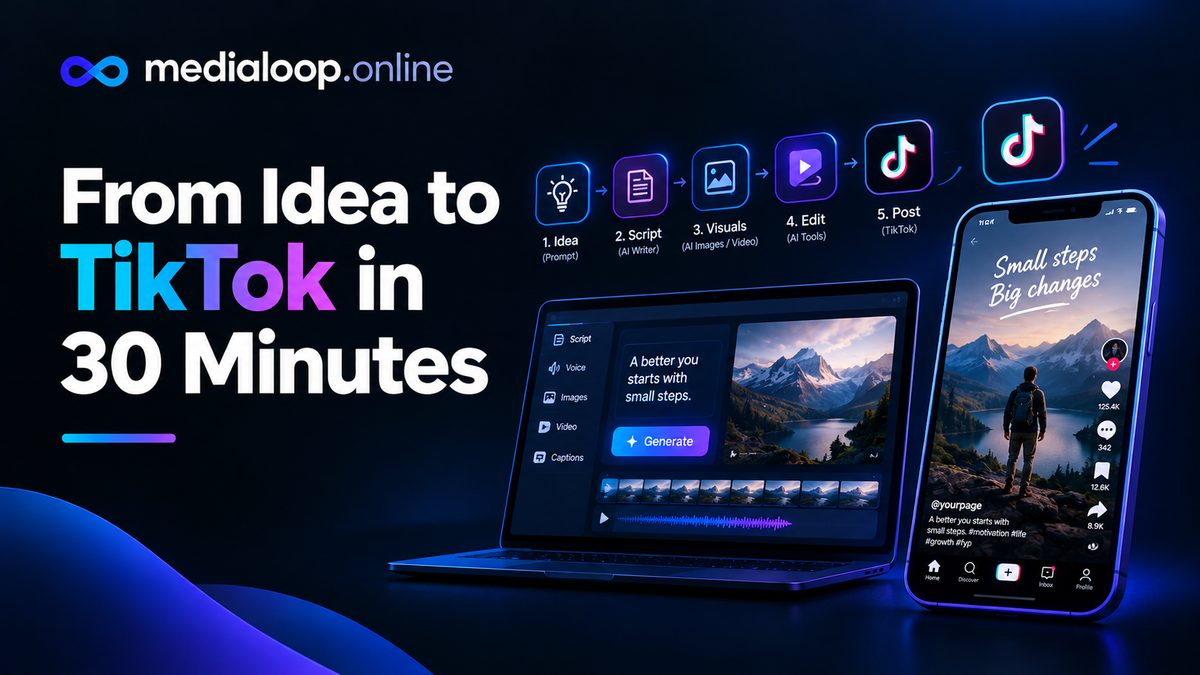
A complete 30-minute AI workflow from idea to published TikTok: scripting, AI visuals, voiceover, editing, captions, and posting. Step-by-step for 2026.