
Guides
How Much Does AI Video Cost? Pricing Breakdown
How much does AI video cost in 2026? Honest pricing breakdown: subscriptions, per-video costs, free tiers, and what creators actually spend per month.
Everyone has a list of the best AI productivity tools in 2026. Most of them are the same 50 apps reshuffled — written for nobody in particular, useful to nobody specifically.
This one is different: it's curated for creators and marketers — people who write, publish, edit video, run channels, and ship content on deadlines. Every tool below earns its place by saving measurable time in a content workflow, not by having the flashiest demo.
| Tool | Best for | Starting price |
|---|---|---|
| ChatGPT | Everyday writing, brainstorming, scripting | Free / $20 mo |
| Claude | Long-form writing, analysis, careful edits | Free / $20 mo |
| Notion | Docs, content calendar, project hub | $10 add-on |
| Zapier | Automating repetitive workflows | Free / ~$20 mo |
| Descript | Editing video by editing text | $24 mo |
| VEED | Fast browser video editing + captions | $19 mo |
| Perplexity | Research with cited sources | Free / $20 mo |
| Grammarly | Polishing every word you publish | Free / $12 mo |
| Otter.ai | Meeting notes without the notepad | Free / ~$17 mo |
| Gamma | Decks and pitch presentations | Free / ~$12 mo |
| Motion | Auto-scheduling a chaotic calendar | ~$34 mo |
| Midjourney | Thumbnails and visuals | $10 mo |
Full pricing breakdown with annual options and limits is at the bottom.
Three filters, applied ruthlessly:
No sponsored placements. If a tool is here, it's because it does the job.
Still the default AI assistant for a reason: drafting scripts, brainstorming video ideas, rewriting headlines, summarizing research. For creators it's the fastest way to go from blank page to workable first draft.
Why creators care: script first drafts, hook variations, YouTube descriptions, repurposing one video into five posts. Pricing: generous free tier; Plus at $20/mo adds faster responses and higher limits.
Claude's strength is long, coherent writing and nuanced editing — it follows tone instructions better than most and handles long documents without losing the thread. Use it for the pieces where quality matters: flagship articles, video essays, sales pages.
Why creators care: fewer editing passes, better first drafts for long-form. Pricing: free tier; Pro at $20/mo.
Notion AI lives inside your docs, so it summarizes meeting notes, drafts briefs, and organizes your content calendar where the work already happens. For a one-person creator business, it replaces three separate apps.
Why creators care: one hub for scripts, calendars, sponsorship trackers, and ideas. Pricing: Notion AI is a $10/member/mo add-on.
Yes — the same Zapier that dominates this keyword. It earns the mention honestly: connecting 8,000+ apps so repetitive work moves itself. New video published → auto-post to socials, add row to sponsor tracker, notify your editor. That's real hours back every week.
Why creators care: publishing pipelines, lead capture, cross-posting — all without code. Pricing: free for 100 tasks/mo; paid plans from ~$20/mo.
Descript's text-based editing is genuinely transformative for talking-head video, podcasts, and courses: delete a sentence in the transcript and it's gone from the video. Filler-word removal and AI voice cloning save hours of fiddly timeline work.
Why creators care: the fastest path from recording to published for speech-heavy content. Pricing: free 1 hr/mo; Creator from $24/mo ($16 annual).
VEED is the quick-finishing editor: captions, translations, text overlays, and cleanup, all in the browser with nothing to install. Pair it with any AI generator — generate the footage elsewhere, finish it in VEED.
Why creators care: captions and social-ready exports in minutes, from any device. Pricing: free watermarked tier; from $19/mo ($12 annual).
Perplexity answers with cited sources, which makes it the research tool for people who publish facts. Use it to verify claims, gather statistics, and brief yourself before writing — then double-check anything load-bearing.
Why creators care: faster research with sources you can actually link. Pricing: free tier; Pro at $20/mo.
Everything you publish passes through words. Grammarly catches the tone-deaf sentence, the typo in the thumbnail text, the awkward sponsor email — quietly, as you type.
Why creators care: fewer embarrassing mistakes in public-facing copy. Pricing: solid free tier; Pro from $12/mo billed annually.
Otter transcribes meetings and calls in real time and pulls out action items. For creators juggling sponsors, collaborators, and clients, it's the difference between remembering everything and hoping you do.
Why creators care: sponsor calls, collab planning, client feedback — all searchable. Pricing: free 300 min/mo; Pro from ~$17/mo.
Gamma turns a prompt or rough outline into a presentable deck — sponsor pitches, media kits, workshop slides. Not award-winning design, but miles ahead of a blank PowerPoint at midnight.
Why creators care: media kits and sponsor decks in an afternoon. Pricing: free tier; paid from ~$12/seat/mo.
Motion auto-schedules your tasks around meetings and reshuffles when the day blows up. Expensive for what it is — but for creators drowning in filming days, edit deadlines, and brand calls, the time-blocking actually holds.
Why creators care: protects deep-work blocks for filming and editing. Pricing: from ~$34/mo, no free tier.
Thumbnails decide whether videos get watched. Midjourney remains the best AI image generator for striking, click-worthy visuals — generate concepts, composite in your editor, test variants.
Why creators care: unlimited thumbnail concepts without a designer on retainer. Pricing: from $10/mo.
Starting prices as of late 2026 — a snapshot for budgeting, not quotes. Always check the official site before buying:
| Tool | Starting price /mo | Annual option | Key limits | Best for |
|---|---|---|---|---|
| ChatGPT | Free / $20 | $20/mo | Free tier has usage caps | Everyday drafting + ideas |
| Claude | Free / $20 | $20/mo | Free tier has usage caps | Long-form writing quality |
| Notion | $10 add-on | Check official site | Requires paid Notion plan | Content hub + docs |
| Zapier | Free / ~$20 | Check official site | Free = 100 tasks/mo | No-code automation |
| Descript | $24 | $16/mo | Free = 1 hr transcription/mo | Text-based video editing |
| VEED | $19 | $12/mo | Free plan watermarked | Fast captions + finishing |
| Perplexity | Free / $20 | $20/mo | Free has daily query limits | Cited research |
| Grammarly | Free / $12 | $12/mo | Free covers basics | Writing polish |
| Otter.ai | Free / ~$17 | Check official site | Free = 300 min/mo | Meeting transcription |
| Gamma | Free / ~$12 | Check official site | Free has credit limits | Quick decks |
| Motion | ~$34 | Check official site | No free tier | Auto-scheduling |
| Midjourney | $10 | Check official site | No free tier | Thumbnails + visuals |
If your budget is zero, this stack costs nothing and covers 80% of a creator's workflow: ChatGPT (drafting), Claude (editing), Perplexity (research), Grammarly (polish), Zapier free tier (100 automated tasks/mo), VEED free tier (watermarked quick edits), and Otter free tier (300 meeting minutes/mo). Start free, pay only for the bottleneck that actually hurts.
The best AI productivity tools in 2026 are ChatGPT and Claude for writing, Notion AI for organization, Zapier for automation, Descript and VEED for video workflows, Perplexity for research, Grammarly for polish, Otter for meetings, Gamma for decks, Motion for scheduling, and Midjourney for visuals. The right pick depends on your bottleneck — start with the task eating most of your week.
ChatGPT's free tier is the best starting point — it handles drafting, brainstorming, and summarizing at no cost. Pair it with Perplexity (free research with sources) and Grammarly (free writing polish) for a complete zero-budget writing stack.
Descript and VEED are the highest-leverage picks specifically for creators: Descript's text-based editing collapses hours of video editing, and VEED finishes social-ready videos with captions in minutes. For the business side, Zapier automates publishing pipelines and Notion AI organizes the content calendar.
Yes, for anyone repeating the same digital chores weekly. If you regularly move data between apps — new video to socials, form to email list, upload to tracker — Zapier's free 100 tasks/mo proves the value before you pay. Heavy automators graduate to paid tiers or alternatives like Make.
They replace tasks, not judgment. AI handles drafting, transcribing, scheduling, and repurposing — the repetitive middle of the work. Strategy, taste, relationships, and final quality calls still need a human. Most solo creators use AI to delay their first hire by months, not to avoid hiring forever.
Don't adopt twelve tools on day one. Pick your biggest weekly time-sink — usually writing, editing, or admin — and solve exactly that. One tool that saves three hours a week beats five tools you opened twice. Start free, measure the hours, then pay for the bottleneck.
How much does AI video cost in 2026? Honest pricing breakdown: subscriptions, per-video costs, free tiers, and what creators actually spend per month.
How to add AI voiceover to videos in 2026: a practical workflow plus 5 AI voiceover tools compared on voice quality, languages, pricing, and best use cases.
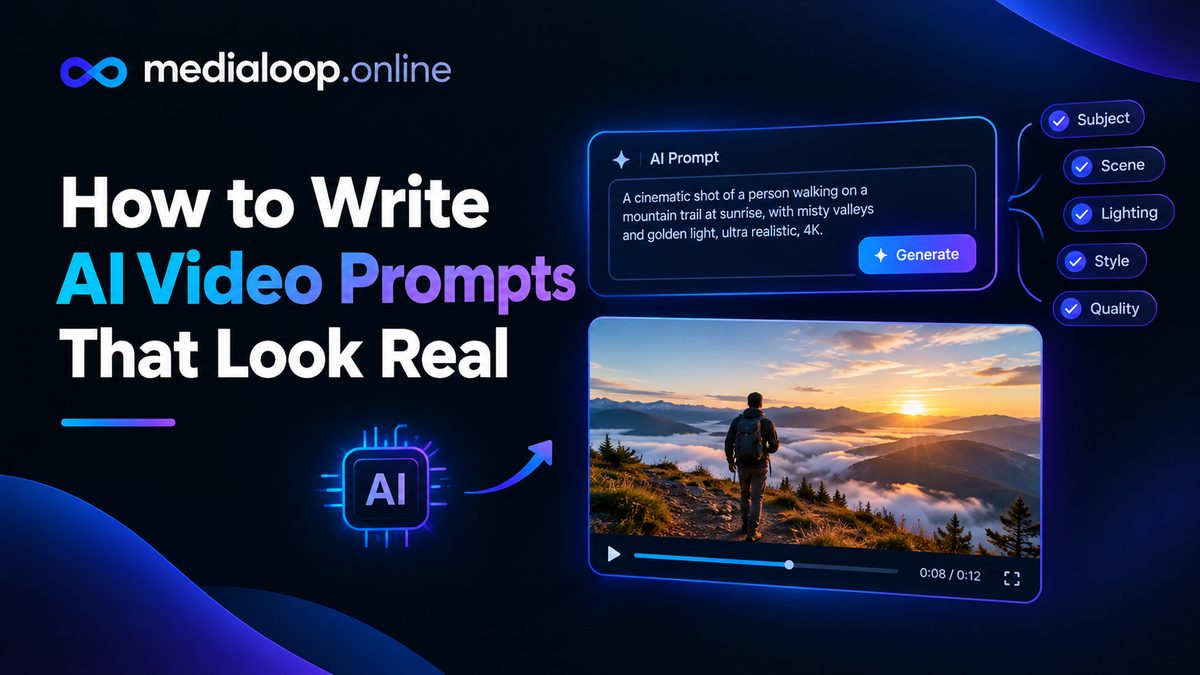
Learn how to write AI video prompts that look real: subject, motion, camera, lighting, and negative prompts. Practical prompting craft with examples for 2026.